zero content leak
Pin Before Paint
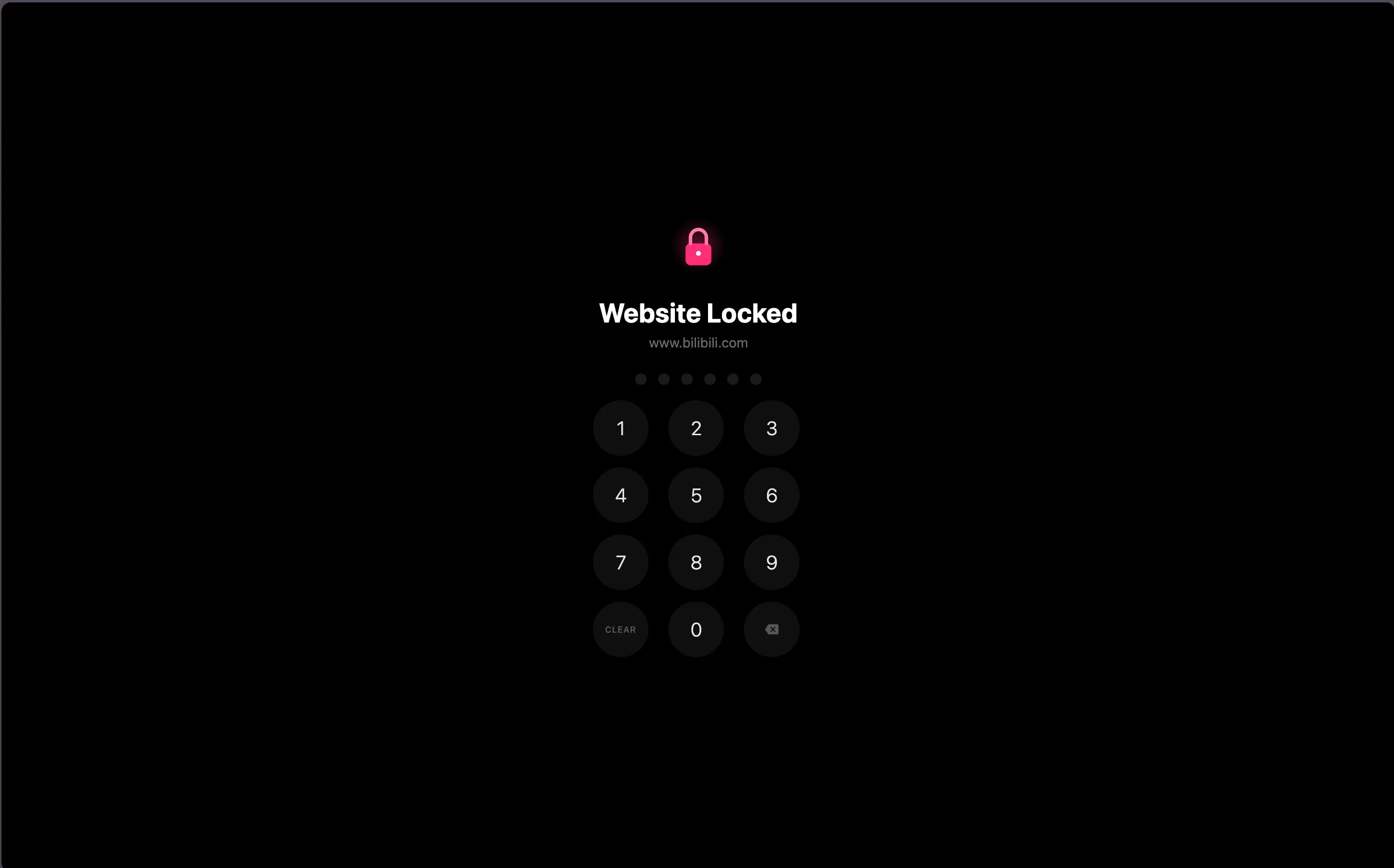
Content script runs at document_start and hides the whole page before anything renders. No flashing, no peeking — just the lock screen.
03 · browser extension
pin-lock distracting websites — zero content leaks, zero tracking
browser extension · javascript · open source
statement
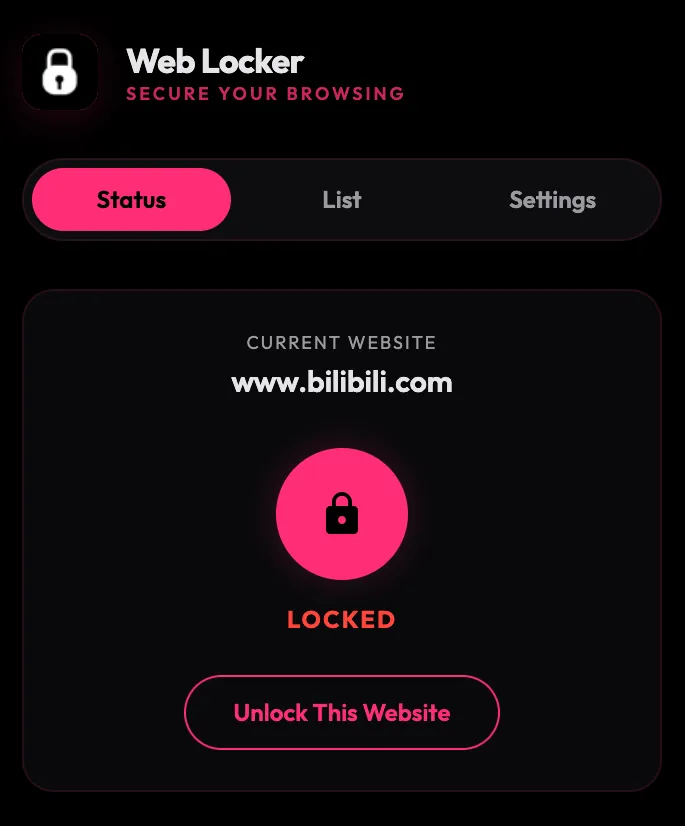
A minimalist browser extension that locks distracting websites behind a 6-digit PIN. Zero content leaks, zero tracking — just pure focus. Content script hides the page before anything renders; Shadow DOM lock screen with numpad or keyboard input, auto re-lock on idle, lockout protection, and import/export for lock lists across Chrome, Edge and Firefox.
the problem
Browser willpower is fragile. Existing blockers are either domain-level (too coarse) or cloud-based (privacy risk). People need something local, instant and invisible that hides the page before the brain even registers it.
the answer
Web Locker injects a content script at document_start that hides the entire page immediately. If the hostname is locked, a Shadow DOM lock screen with a PIN pad appears before any content renders. Wrong attempts trigger a cooldown; correct input unlocks the tab for the session.
exhibited artifact
requirements analysis
| code | requirement | description |
|---|---|---|
| FR-01 | PIN Lock | Lock any hostname; all subdomains protected automatically |
| FR-02 | Zero Content Leak | Page hidden at document_start before rendering |
| FR-03 | Auto Re-Lock | Configurable idle timer re-locks after inactivity |
| FR-04 | Lockout Protection | Input locks temporarily after wrong attempts |
| FR-05 | Numpad + Keyboard | Click or type digits; backspace and escape supported |
| FR-06 | Import / Export | Backup and migrate lock lists without an account |
| FR-07 | Cross-Browser | Chrome, Edge, Firefox — single Manifest V3 |
materials list
notable installations
zero content leak
Content script runs at document_start and hides the whole page before anything renders. No flashing, no peeking — just the lock screen.
idle timer
Configurable idle timeout: the lock screen re-appears automatically after inactivity, so stepping away from a tab stays safe.
brute force guard
Too many wrong attempts? Input locks temporarily. Changing lockout settings requires current PIN confirmation.
portability
Backup your lock list to a file, migrate across browsers, or share configurations. No account needed.